OA Hope
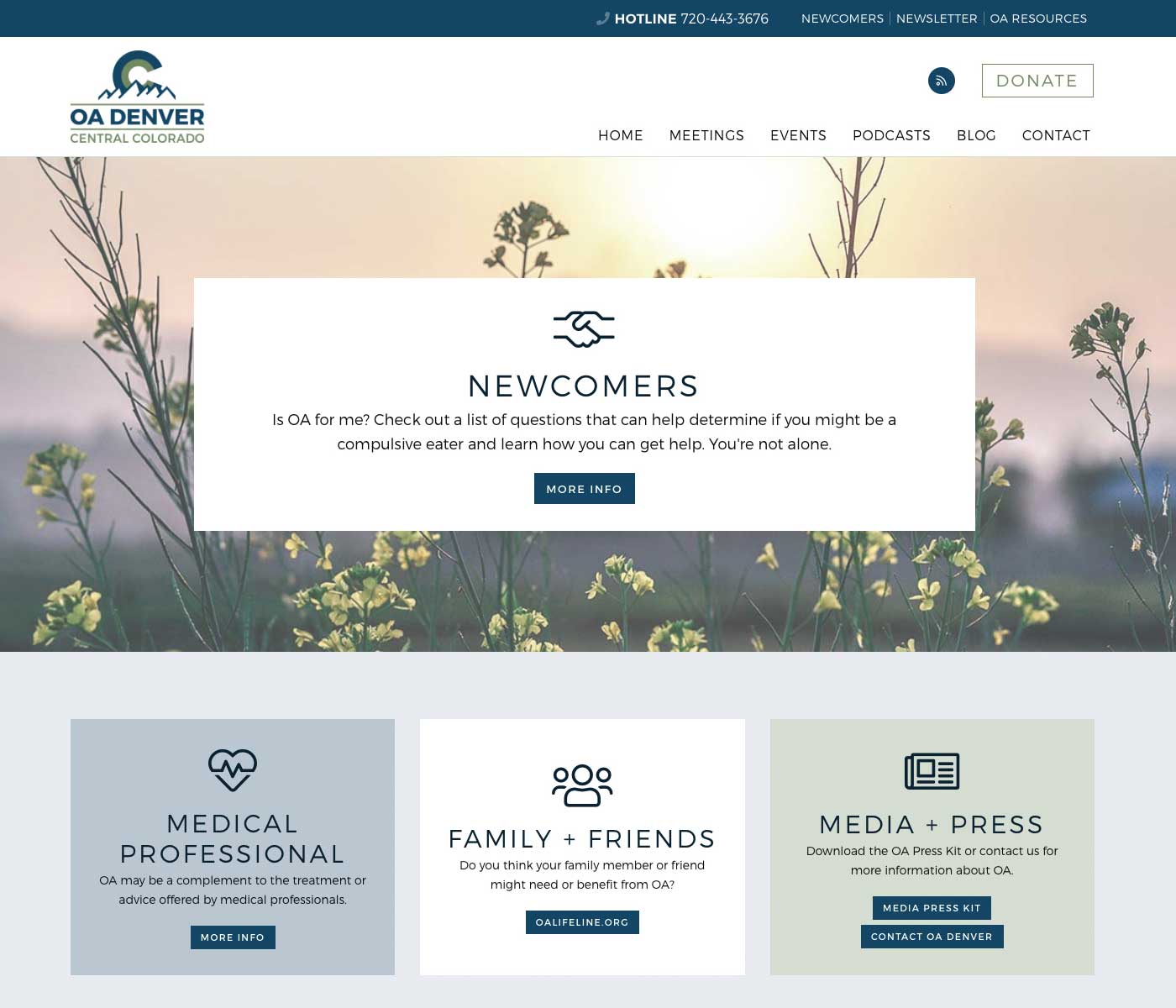
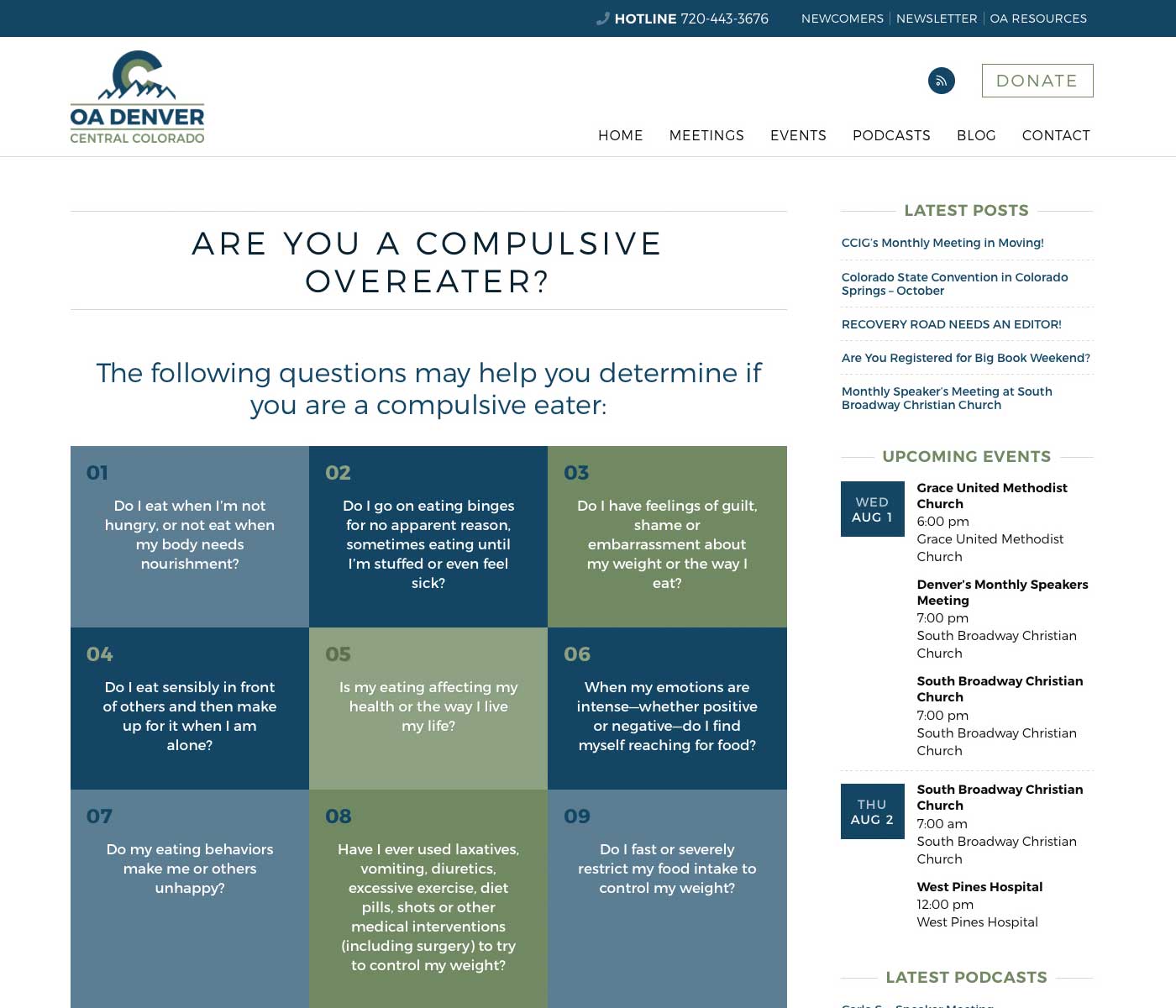
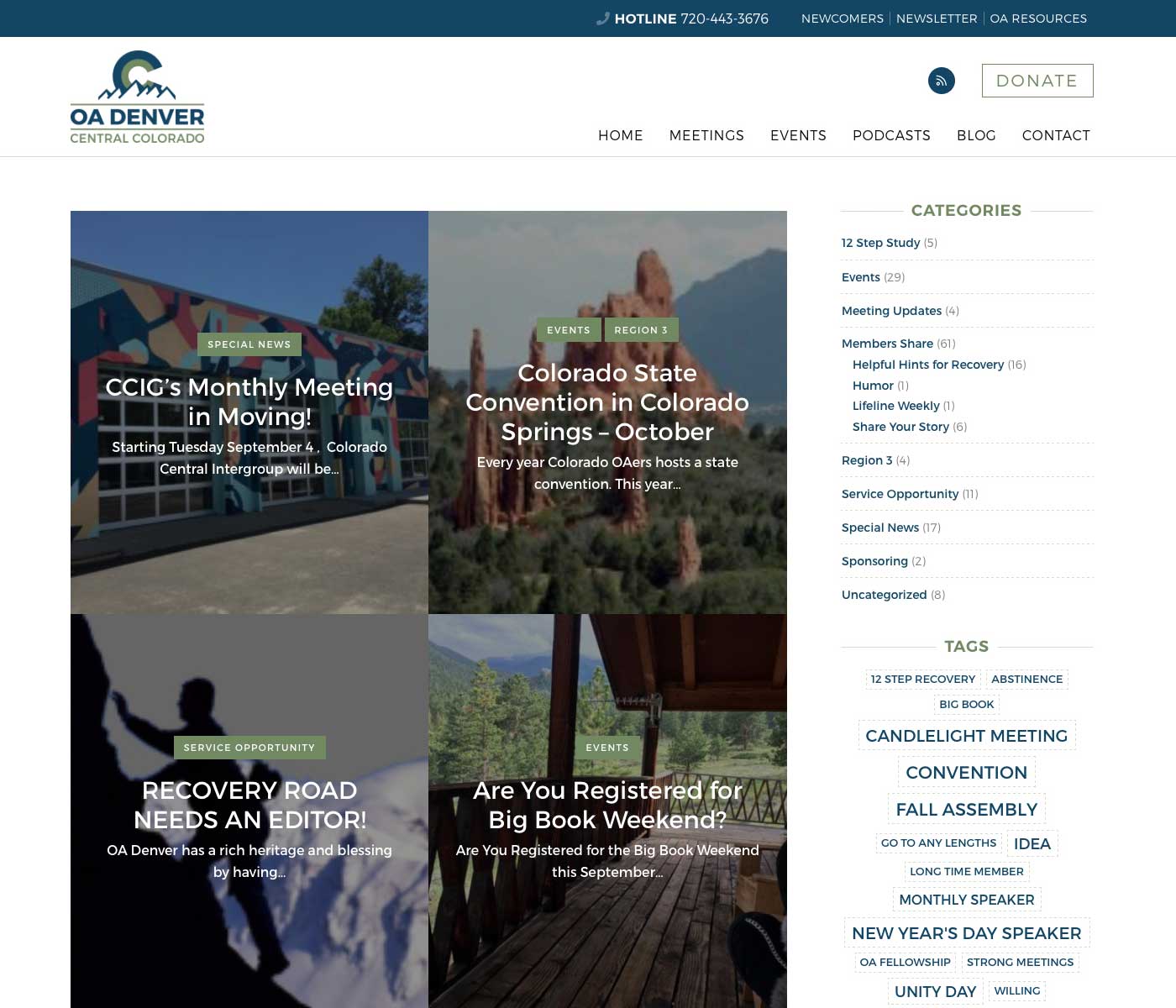
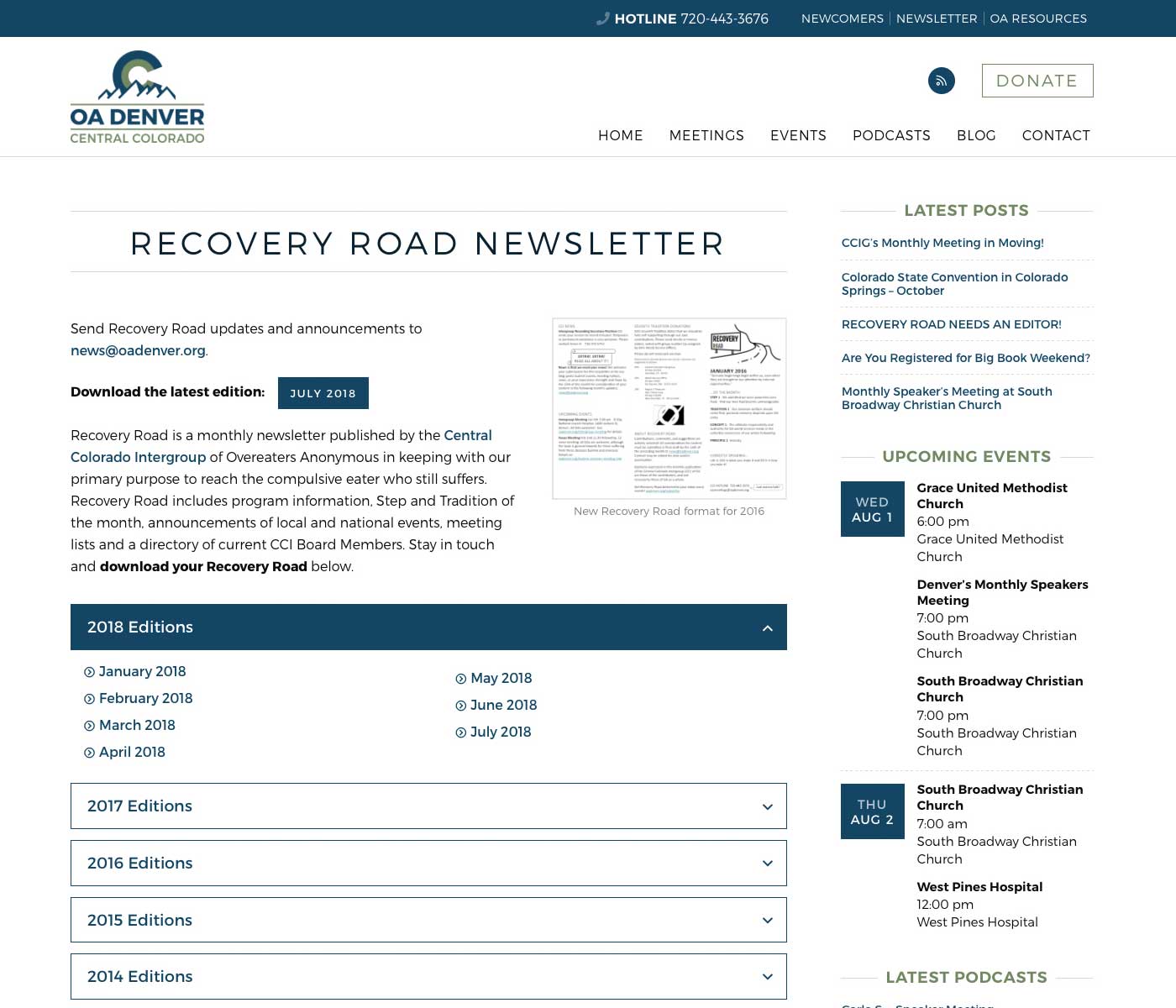
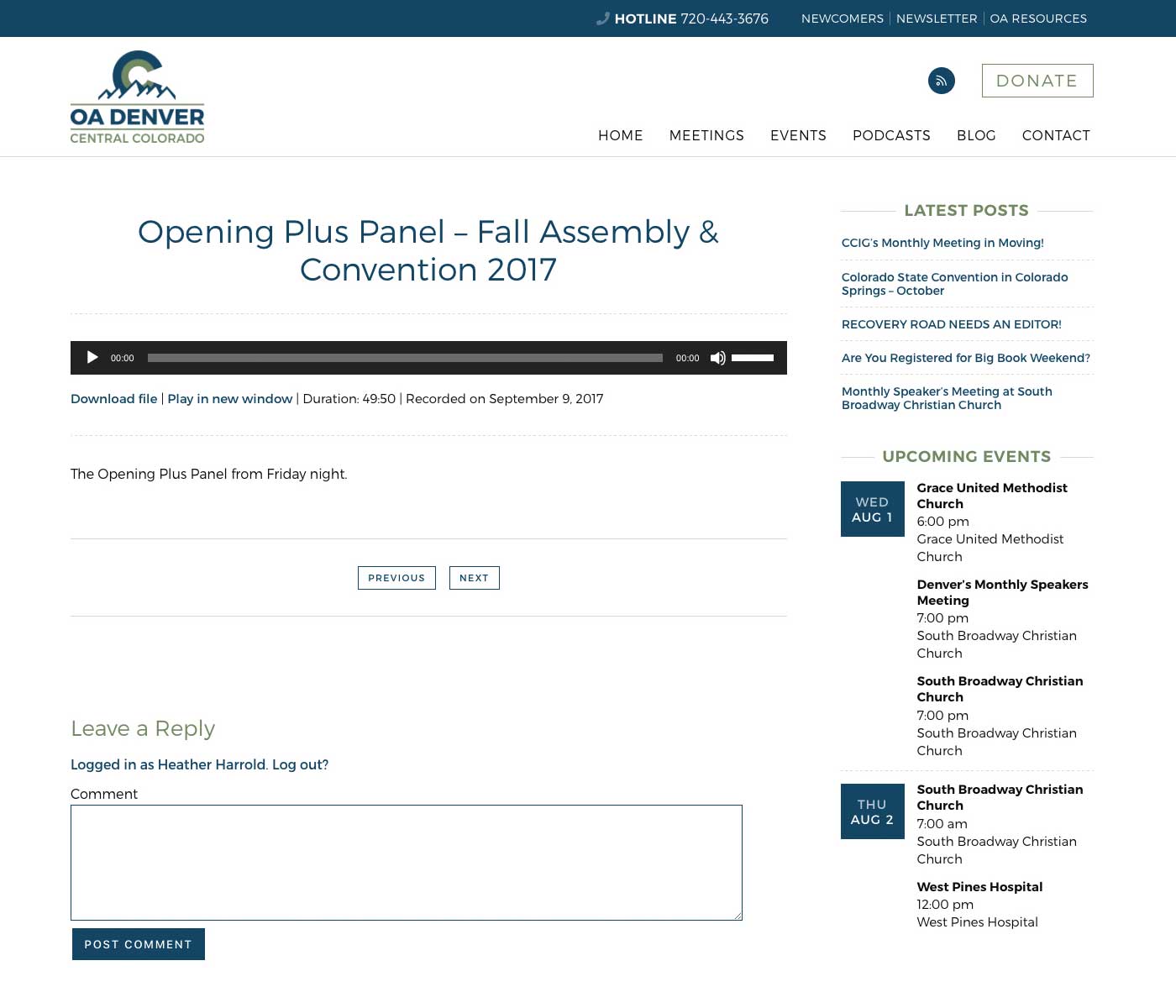
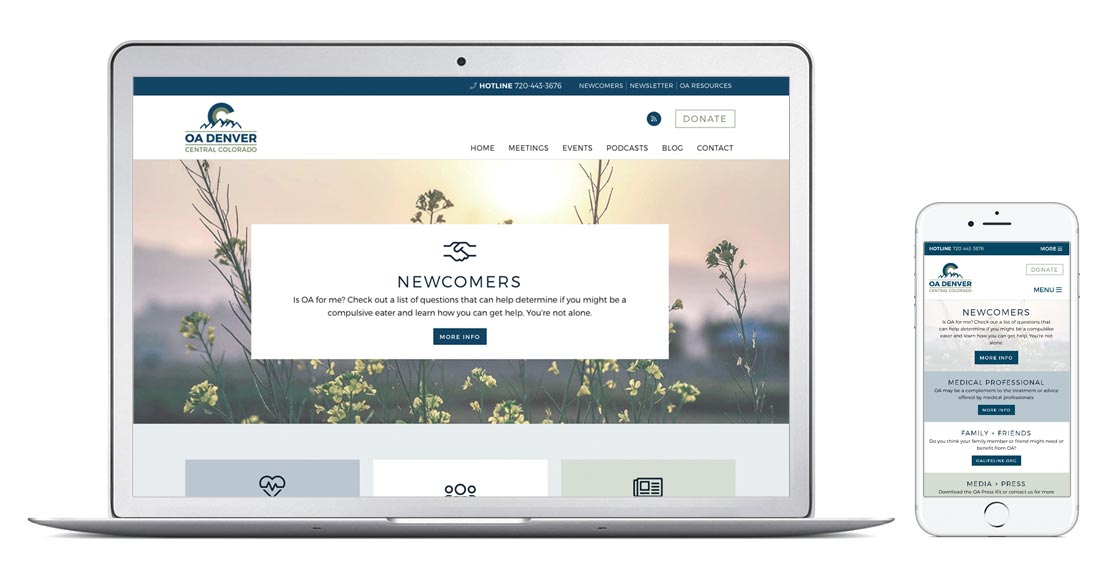
OA Hope is a custom responsive WordPress theme developed for OA Intergroups to use. Please fill out the contact form or visit the OA Denver website to get more information about using the OA Hope theme for your Intergroup’s WordPress site.
OA Hope is compatible with WordPress 5.0 and the new block editor.
Installation
In your WordPress dashboard, go to Appearance > Themes and click on Add New at the top. Select Upload Theme and upload the zip file.
Updates
You can check for updates to the OA Hope theme from within the WordPress dashboard. Go to Dashboard > Updates and scroll down to the Themes section. If an update is available, you will be able to perform the update with one click. It’s always advised to take a backup of your website before performing any updates.
Features
Page Templates
Full Width
Displays the page at full width, hiding the sidebar.
Newsletter Archive
Adds the option to upload newsletters. An accordion list of the newsletter list and a latest edition download button can be shown using shortcodes.
Question + Answer
Adds the option to create question and answer entries displayed in an accordion format on the frontend.
Sitemap
Displays a list of all the published pages, posts, events and podcasts on your site. Events and podcasts are shown if the appropriate plugins are installed.
Style Formats
Classic Editor
Style formats are available in the classic content editor for posts and pages with the following options:
- Solid button
- Outlined button
- Numbered grid list
Block Editor (WordPress 5.0)
The new WordPress 5.0 block editor doesn’t support style formats, but you can achieve the same style/format with these blocks:
- Button: add a button block
- Numbered grid list: add an ordered list block and in the block settings, enter the class “grid” under Advanced > Additional CSS Class
Newsletter list
Use the following shortcode to display the list of newsletters on any page using the “Newsletter Archive” template:
[newsletter_archive]
Latest newsletter button
Use the following shortcode to create a button to download the latest newsletter:
[latest_newsletter_button]
Use the “text” attribute to add text before the button:
[latest_newsletter_button text="Download the latest edition:"]
Same page linking
To create a link on the same page, use the following shortcode to create the target in the appropriate place, typically before the section or headline you want to link to:
[anchor_target id="anchor-name"]
Then create a link for the target using the shortcode’s id as the href value with a pound sign. The link should look like the following:
<a href="#anchor-name">Link text</a>
Changelog
Bug note for versions prior to 1.29.0: custom colors set in the Customizer revert to default colors on theme updates. As a workaround, open the Customizer and resave the custom colors. This has been fixed in version 1.29.0 so the custom colors shouldn’t revert on the next update.
Version 1.30.3 – July 8, 2025
Fixed
Moved the The Events Calendar category description for the month view from a template override to a function.
The Events Calendar month view series icon color.
Version 1.30.2 – December 31, 2023
Fixed
Calendar venue layout.
Changed
Fields plugin.
Version 1.30.1 – October 20, 2023
Fixed
Syntax error in archive template.
PHP warnings for calendar.
Changed
Fields plugin.
Front page calendar code.
Unhide event search bar.
Format related events.
Version 1.30.0 – July 2, 2023
Added
Calendar category description.
Version 1.29.5 – June 29, 2023
Fixed
Calendar styles.
Changed
Fields plugin.
Version 1.29.4 – June 11, 2023
Added
CookieYes table colors.
Fixed
Calendar outline button color.
Adjacent slider + welcome section formatting.
Version 1.29.3 – June 1, 2023
Fixed
Content jump on scroll when using anchored header.
Legal footer formatting.
Content formatting.
Changed
Fields plugin.
Version 1.29.2 – May 12, 2023
Fixed
Calendar button color.
Version 1.29.1 – April 28, 2023
Fixed
Calendar Series headline formatting.
Calendar month view title word wrap.
Body class warnings.
PHP 8 errors.
Version 1.29.0 – December 13, 2022
Added
Custom calendar link for front page calendars.
Fixed
Newsletter list classes.
Calendar page width.
Custom colors for the calendar.
Custom colors in block editor.
Custom colors reverting on theme update.
Multiple organizer formatting for the calendar.
WP styles.
Changed
Fields plugin.
Removed
CSS Pie.
Version 1.28.0 – September 18, 2022
Added
Custom javascript.
Fixed
Block container padding with background color.
Grid list padding.
Sidebar widget headline formatting.
Newsletter shortcode.
Changed
Fields plugin.
Version 1.27.0 – August 9, 2022
Added
Block table styles.
Content width option.
Icon to menu links with external URLs.
Featured image for pages.
Formatting for block widgets.
Fixed
Calendar button styles.
Quick links background options.
Copyright and legal links layout in the footer.
Removed
HRD footer credit.
Changed
Blocks styles.
Menu styles for desktop and mobile.
Move social links in header to mobile nav for smaller screens.
Font size increase for main content.
SASS files.
Custom colors.
Version 1.26.0 – February 18, 2022
Fixed
Gallery image height.
Calendar button colors.
Changed
Fields plugin.
Version 1.25.1 – January 5, 2022
Fixed
Calendar event venue block formatting.
Version 1.25.0 – December 22, 2021
Added
Block support for single calendar event.
Calendar styles for blocks.
Changed
Custom colors.
Version 1.24.2 – November 5, 2021
Fixed
Blockquote and pullquote styles.
Version 1.24.1 – November 1, 2021
Fixed
New calendar styles.
Custom colors.
Calendar customizer options.
Version 1.24.0 – October 18, 2021
Added
Styles for updated calendar views.
Additional quick link boxes on the front page.
Fixed
Remove cropping from custom logo.
Changed
Updated Font Awesome to version 5.15.4.
Version 1.23.1 – August 9, 2021
Fixed
Admin notice.
Version 1.23.0 – August 5, 2021
Added
TikTok social icon option.
Version 1.22.6 – July 7, 2021
Fixed
Multiday events in calendar month view.
Version 1.22.5 – June 9, 2021
Added
SASS support for grid column start and end.
Fixed
Block media/text image height.
Removed
Calendar admin notice.
Version 1.22.4 – February 28, 2021
Added
Update notice for custom calendar theme.
Fixed
Cover block spacing.
Front page settings.
Top link scroll.
Changed
Fields plugin.
Version 1.22.3 – October 29, 2020
Fixed
Blog feed category link custom colors.
Quick links title color.
Version 1.22.2O – October 11, 2020
Fixed
Event styles for widget and calendar views.
Version 1.22.1 – October 1, 2020
Fixed
Anchor links.
Changed
Fields plugin.
Version 1.22.0 – August 26, 2020
Fixed
Post list formatting.
Version 1.21.0 – August 23, 2020
Fixed
Slider shortcode in customizer.
Headline styles.
Form label descriptions.
PHP notices.
JS selectors.
Button styles.
Custom colors.
Changed
Fields plugin.
Version 1.20.0 – July 6, 2020
Fixed
Newsletter list formatting.
Sitemap link styles.
Anchored header.
Child theme compatibility with custom fields.
Custom colors.
Changed
SASS structure.
CSS class naming.
Fields plugin.
Version 1.19.0 – March 15, 2020
Fixed
Month view calendar styles.
Changed
Theme screenshot.
Fields plugin.
Version 1.18.0 – December 29, 2019
Fixed
Link styles.
Grid list link styles.
Front page podcast visibility.
Table styles.
Secondary menu font sizes.
Removed
Link options from customizer.
Changed
Customizer comment functionality.
Version 1.17.0 – November 24, 2019
Added
Print styles.
Fixed
Custom colors.
Changed
General style changes for menus, blockquotes, styled grid, buttons.
Featured image functions.
Accessbility updates.
Block editor compatibility.
Updated Font Awesome to version 5.10.2.
Fields plugin.
Version 1.16.0 – September 8, 2019
Fixed
Custom colors.
Header button styles.
Secondary menu item spacing.
Reorganize stylesheets.
Version 1.15.0 – June 26, 2019
Removed
Events Calendar event navigation links on single event pages.
Blog post hover styles.
Version 1.14.0 – June 19, 2019
Added
More options for post featured images and hero background image.
Fixed
Post grid formatting.
Footer widget styles.
Newsletter archive and latest button.
Changed
Updated Font Awesome to version 5.9.0.
Fields plugin.
Version 1.13.0 – May 30, 2019
Fixed
Events Calendar widget dates for recurring events.
Front page calendar link hover color.
Element focus.
Version 1.12.0 – May 3, 2019
Removed
Recurring events text for The Events Calendar.
Changed
Accessibility updates.
Version 1.11.0 – March 19, 2019
Added
Block editor button styles.
Fixed
Only display Google translator if plugin is active.
Page formatting for The Events Calendar.
Adjust when link underlines are applied.
Changed
Fields plugin.
Version 1.10.0 – February 8, 2019
Added
Underline option for links in the main content area.
Fixed
Custom colors.
Main calendar view on mobile in portrait orientation for The Events Calendar.
List widget formatting for The Events Calendar.
Headline issues for The Events Calendar.
Before HTML content placement for The Events Calendar.
Block editor button styles.
Footer credit formatting.
Color of Ninja Forms success message.
FontAwesome stylesheet naming.
Version 1.9.0 – January 10, 2019
Added
Multiple buttons option for front page hero.
Fixed
Custom colors.
Calendar widget styles.
View all calendar items link on front page for The Events Calendar.
Version 1.8.0 – January 2, 2019
Added
Time and venue options to main calendar page for The Events Calendar.
Fixed
WordPress 5.0 block editor button styles.
Sidebar behavior.
Calendar month view styles for The Events Calendar.
Version 1.7.0 – December 27, 2018
Fixed
Hide date search on The Events Calendar when tribe bar is disabled.
Calendar page layout option for The Events Calendar.
Default page template layout issue for The Events Calendar.
Page titles conflict with The Events Calendar plugin.
Version 1.6.0 – December 24, 2018
Added
Calendar page layout option for The Events Calendar.
Alternate title for front page calendars.
Fixed
WP editor font sizes.
Custom fields group formatting.
General styling.
Default featured images for posts in list view.
Hide front page hero if fields are empty.
Front page quick links minimum requirement.
Hide posts section on sitemap page if there are none.
Column list child spacing.
The Events Calendar formatting.
Front page date formatting for The Events Calendar.
Changed
Updated Font Awesome to version 5.6.3.
Fields plugin.
Version 1.5.0 – December 9, 2018
Added
Support for WordPress 5.0 block editor (Gutenberg).
Fixed
Minimum content height for smaller screens.
Calendar widget and single event formatting.
Featured images for posts.
Blockquote and pullquote styles.
Grid post layout.
Responsive text sizing.
Changed
Updated Font Awesome to version 5.5.
Fields plugin.
Version 1.4.0 – October 2, 2018
Fixed
Clean up AI1EC content template.
Language support.
Changed
Fields plugin.
Version 1.3.0 – September 10, 2018
Added
Fluid font sizing.
Fixed
Comment form layout.
Front page section button spacing.
Front page spacing for empty blog section.
Customizer verbiage.
Changed
Fields plugin.
Version 1.2.0 – September 4, 2018
Added
No posts message for front page blog and podcast sections.
Custom titles for blog and podcast front page sections.
Anchor target shortcode for linking on the same page.
Default featured image options for posts.
Theme info in the customizer.
Fixed
Removed required fields from hero and quick links options.
Changed quick links default background to color.
Formatting for the comments form.
Changed
Updated Font Awesome to version 5.3.
Fields plugin.
Version 1.1.0 – August 8, 2018
Fixed
Translation text color.
Comment author name.
Blockquote margins.
Changed
Fields plugin.
Version 1.0.0 – August 1, 2018
Initial release. There are no updates yet.