OA Hope 2.0 Migration Guide
OA Hope 2.0 introduces a new collection of custom blocks and CSS color variables designed to make building and managing website content easier, more flexible, and more consistent with the modern WordPress editor.
These new blocks replace several legacy Customizer Front Page sections and page templates. The existing features will continue to work after updating to OA Hope 2.0, so no immediate changes are required. Please note that existing Front Page Content will now appear above legacy Front Page sections.
Please complete the migration to the new blocks by May 2027. Legacy functionality will be removed in a future theme update after this date.
NOTE: Before updating, please create a backup of your website files and database. If you have questions, encounter any issues, or would like assistance with the transition, please feel free to contact me.
Transitioning Existing Websites
| Existing Feature | New Block |
|---|---|
| Front Page Slider | OA Hope Slider |
| Front Page Hero | OA Hope Hero |
| Front Page Quick Links | OA Hope Resource Cards |
| Front Page Calendar | OA Hope Events |
| Front Page Blog Posts | OA Hope Blog Posts |
| Front Page Podcasts | OA Hope Latest Podcasts |
| Newsletter Archive Template | OA Hope Document List |
| Question + Answer Template | WordPress Accordion Block |
Front Page Sections
If your website currently uses the Front Page sections managed through the Customizer, you can recreate those sections using the new blocks and then disable the corresponding section in the Customizer.
IMPORTANT: After updating to OA Hope 2.0, Front Page Content will appear above all legacy Front Page sections, and the page title will no longer display automatically. If your current homepage displays Front Page Content between or after other sections, the order of your homepage content will change after updating.
If you would like to continue displaying a heading above your existing Front Page Content, add a Heading block before the content and select H2 for the heading level. When migrating your Front Page sections to the new blocks, you can position this heading wherever you would like it to appear.
The following Front Page sections in the Customizer are being phased out:
- Slider
- Hero
- Quick Links
- Calendar
- Blog Posts
- Podcasts
Page Templates
If your website uses the Newsletter Archive or Question + Answer page templates, you can replace them with the new custom blocks and then switch the page template back to Default.
The following page templates are being phased out:
- Newsletter Archive
- Question + Answer
New Custom Blocks
The new custom blocks provide the same core functionality as the previous sections and page templates, although some settings may be located in different places within the editor. Detailed information about each block is provided below.
TIP: All OA Hope blocks can be found by searching for the block name or “oa hope” in the block inserter.
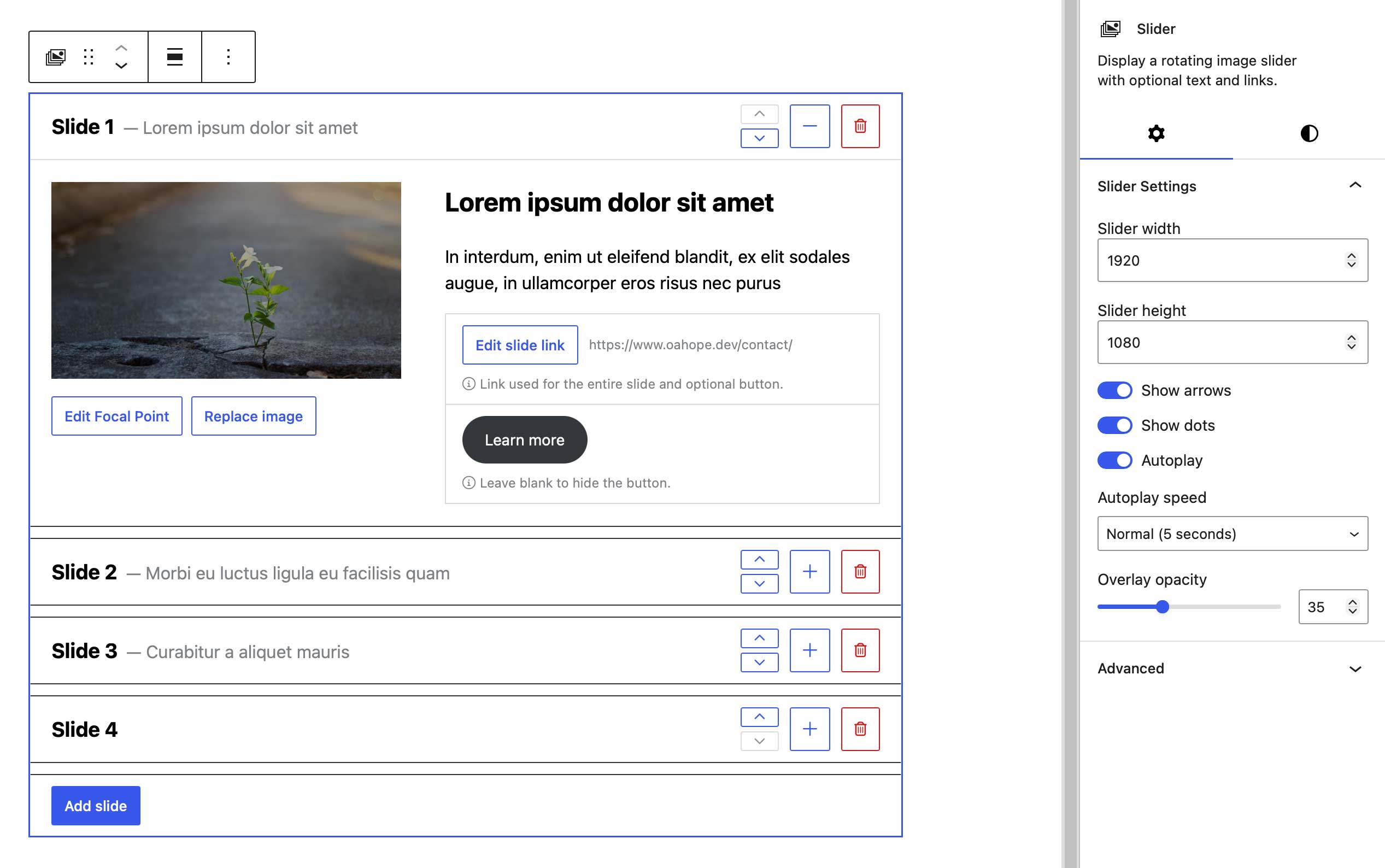
OA Hope Slider
Create image slideshows with images, content, buttons, overlays, and optional links.
Replaces: Customizer > Front Page > Slider
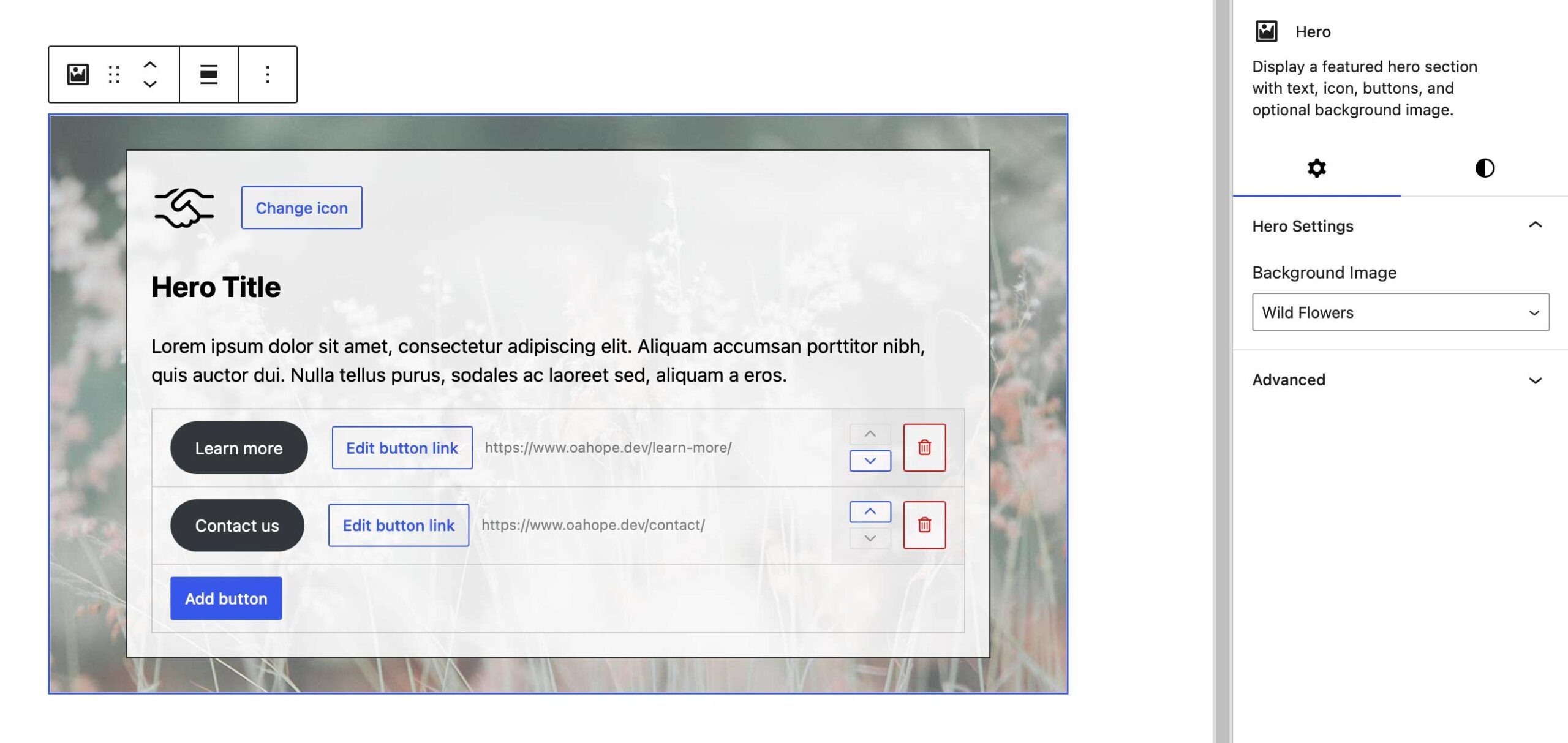
OA Hope Hero
Create hero banners with background images, icons, content, and call-to-action buttons.
Replaces: Customizer > Front Page > Hero and Front Page settings
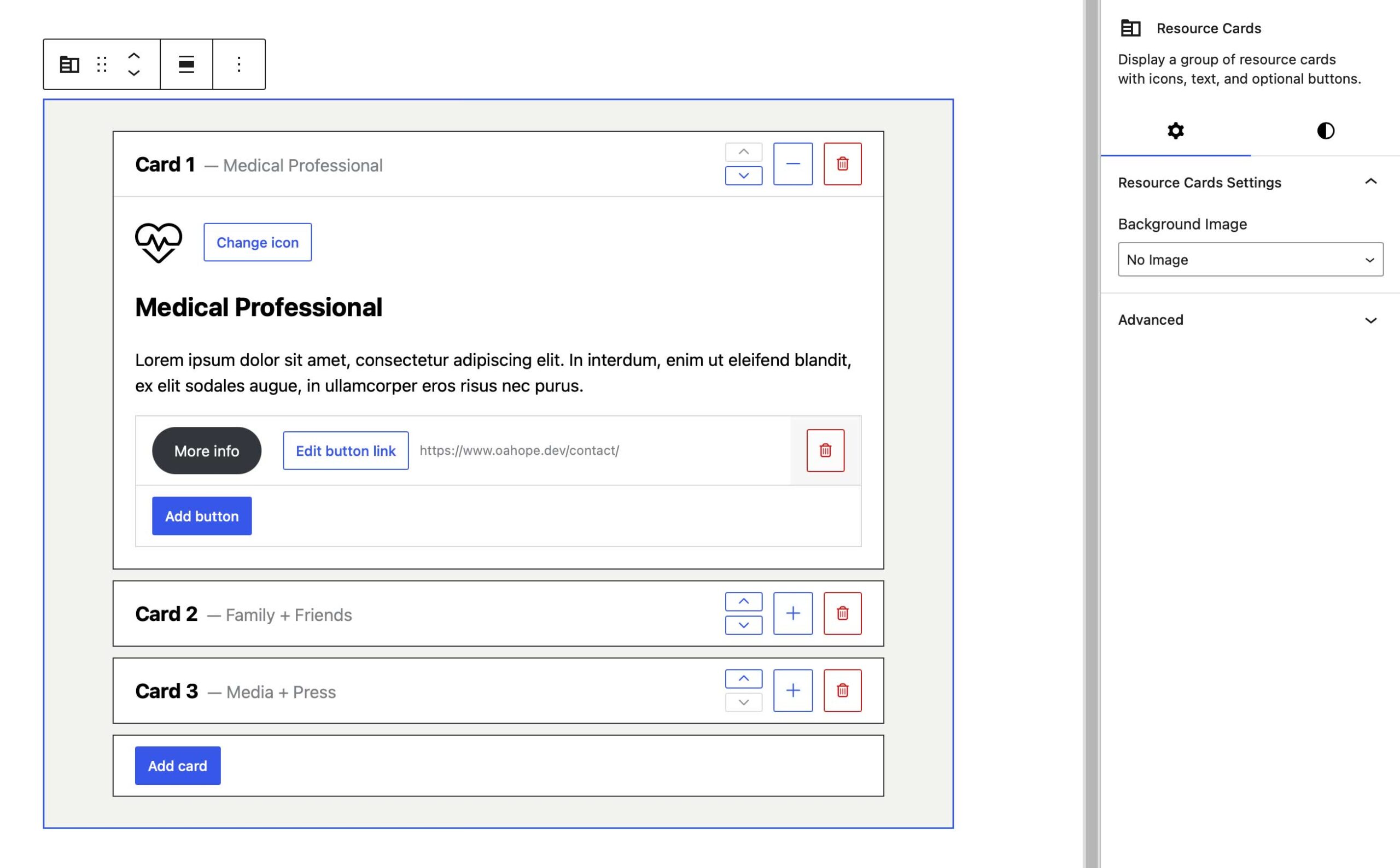
OA Hope Resource Cards (previously Quick Links)
Display up to six resource cards with icons, content, and buttons to highlight important information, services, and resources.
Replaces: Customizer > Front Page > Quick Links and Front Page settings
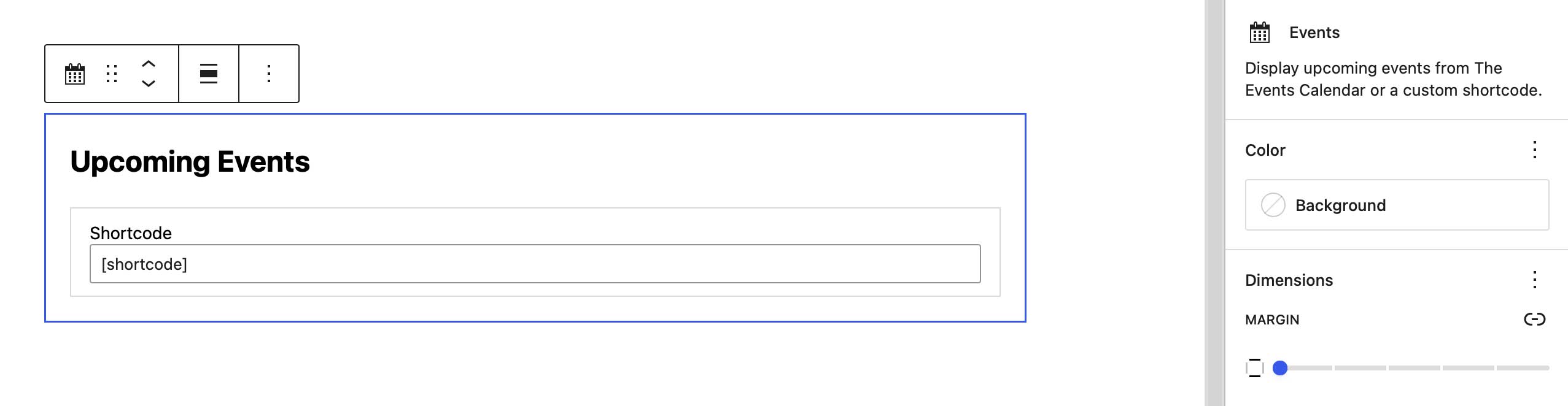
OA Hope Events
Display upcoming events using a calendar plugin or custom shortcode.
Replaces: Customizer > Front Page > Calendar
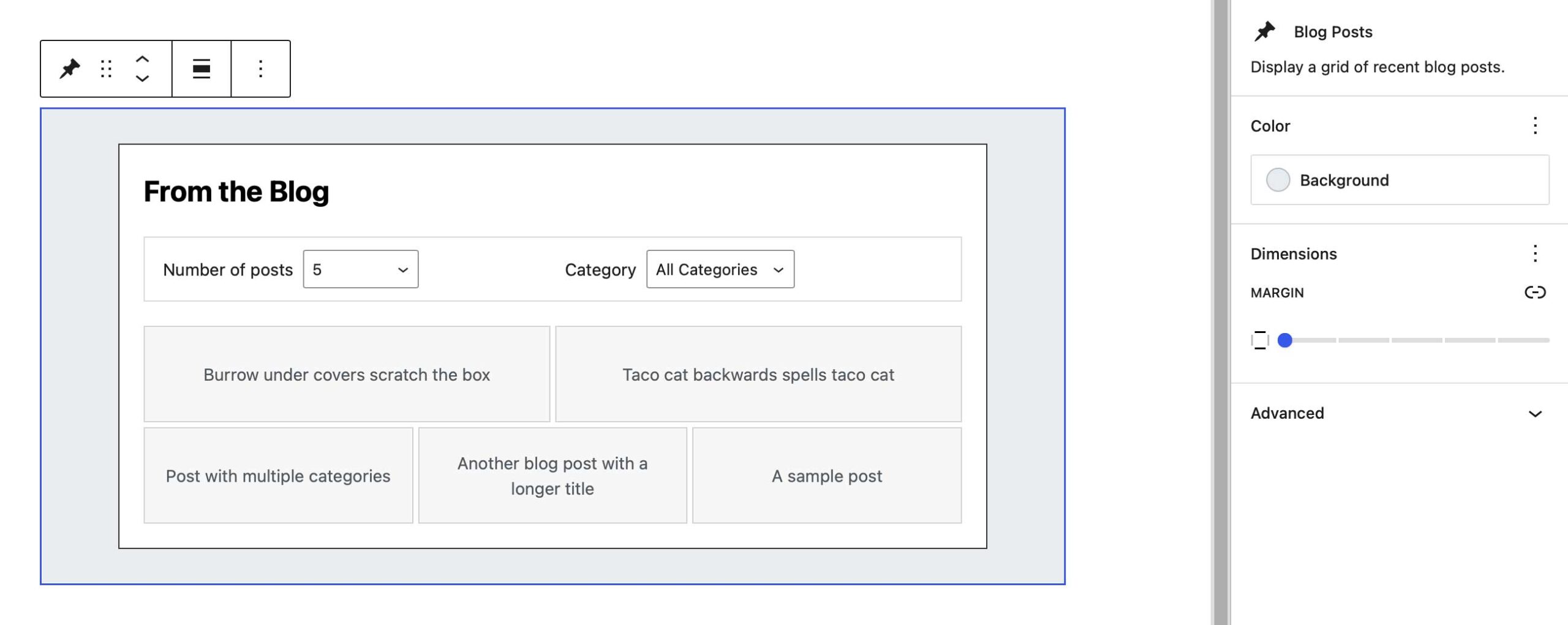
OA Hope Blog Posts
Show the latest X amount of blog posts.
Replaces: Customizer > Front Page > Blog Posts
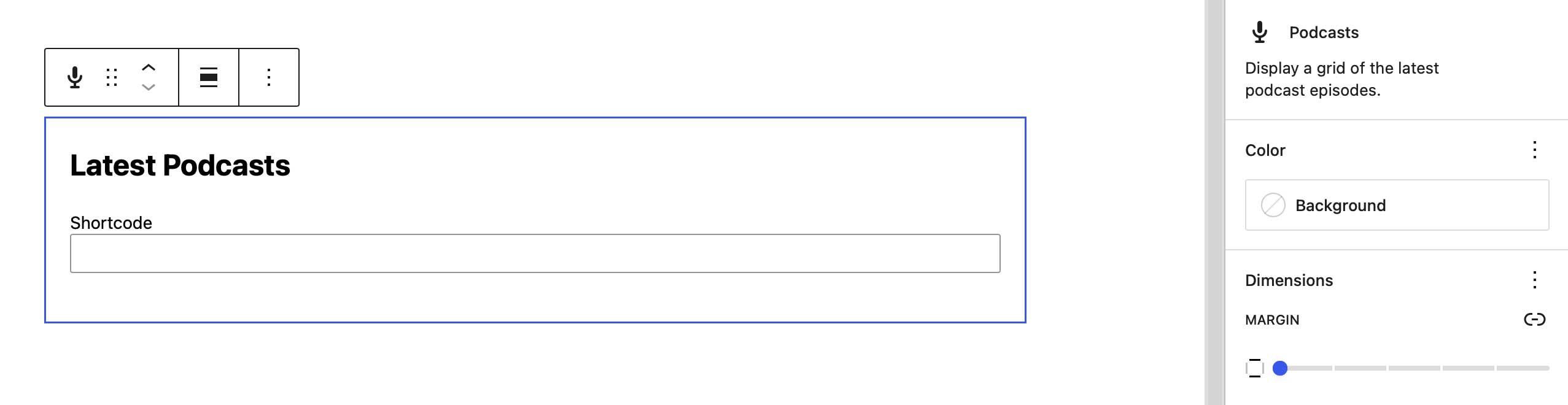
OA Hope Latest Podcasts
Display recent podcast episodes using a podcast plugin or custom shortcode.
Replaces: Customizer > Front Page > Podcasts
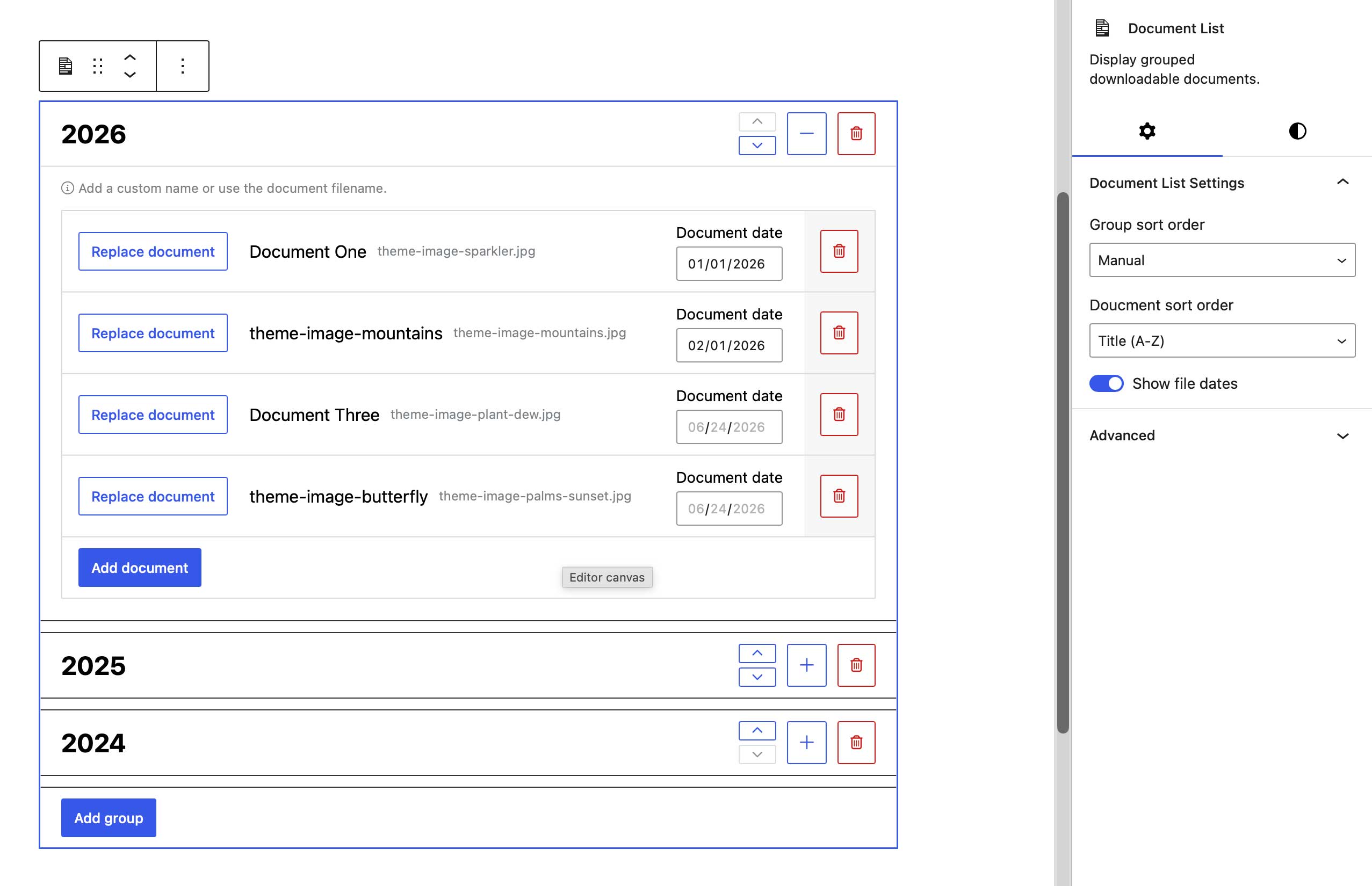
OA Hope Document List
Display downloadable documents in a simple list or organized by year using expandable accordion groups.
Replaces: Newsletter Archive page template
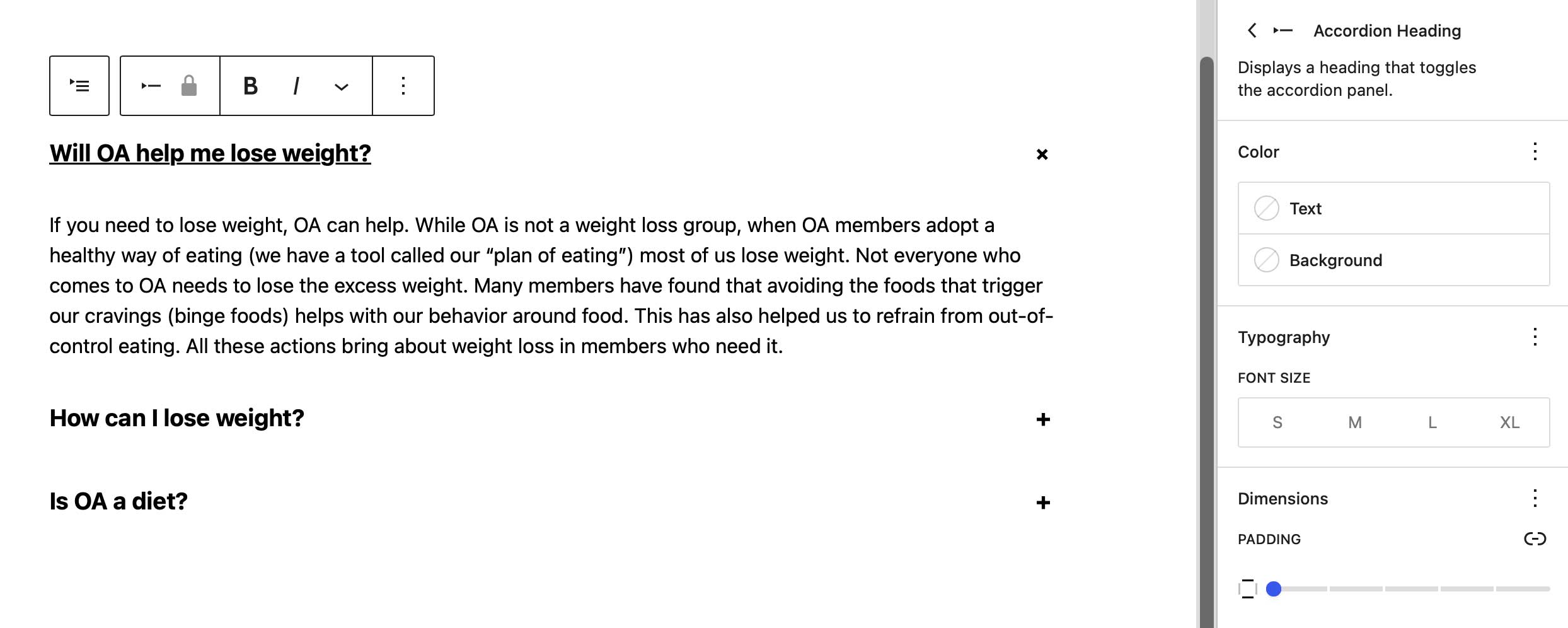
WordPress Accordion Block
Create expandable questions and answers using the built-in WordPress Accordion block.
Replaces: Question + Answer page template
CSS Color Variables
OA Hope now provides CSS variables for the primary and secondary theme colors, including automatically generated tints and shades that can be used in custom CSS or theme overrides.
Primary Color
--oahope-primary-color
--oahope-primary-color-light-50
--oahope-primary-color-dark-50
For example:
color: var(--oahope-primary-color);
border-color: var(--oahope-primary-color-dark-25);
Secondary Color
--oahope-secondary-color
--oahope-secondary-color-light-50
--oahope-secondary-color-dark-50
For example:
color: var(--oahope-secondary-color-light-90);
background-color: var(--oahope-secondary-color);
A full range of tint and shade values is available in increments of 5.